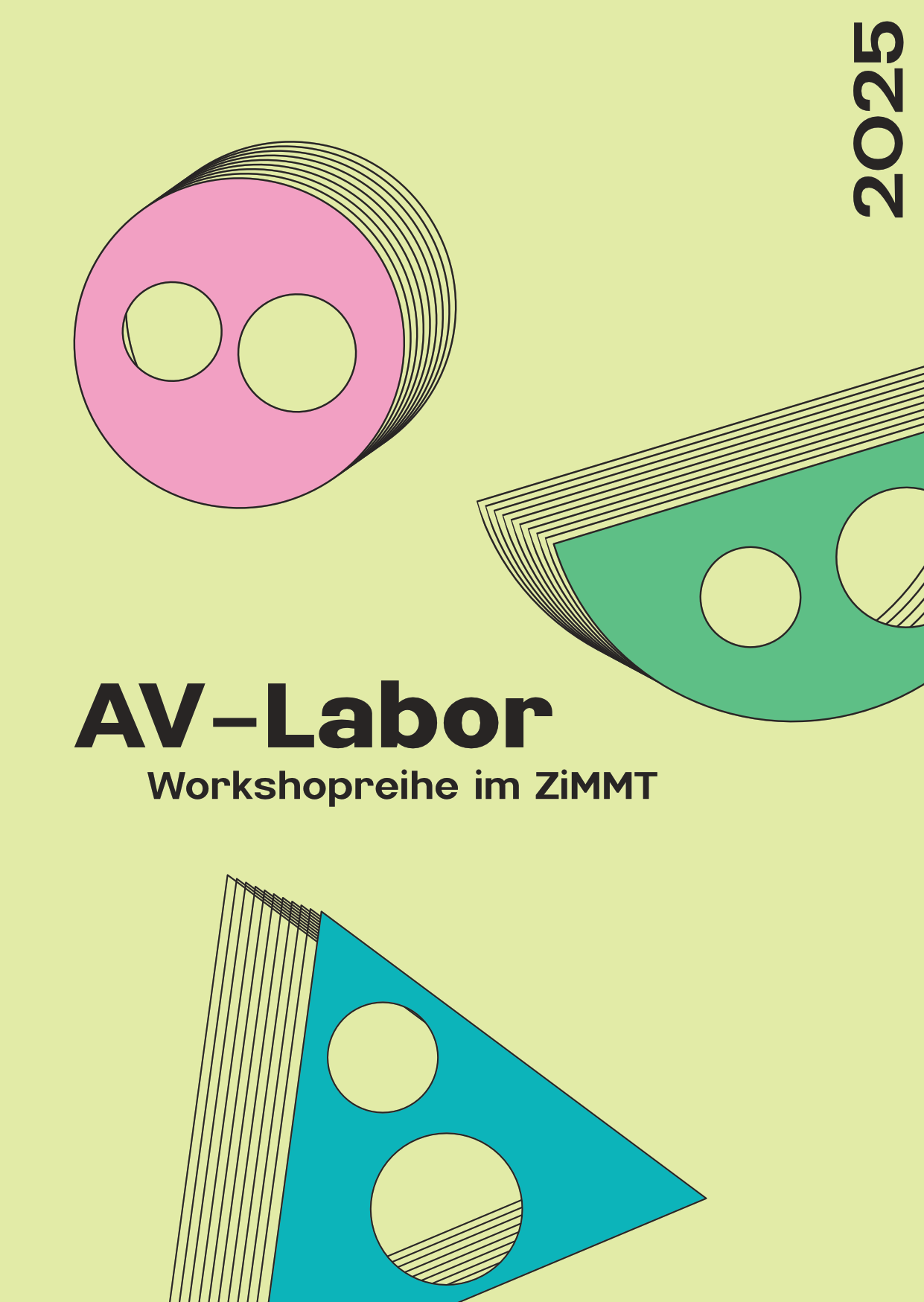
free workshop series at ZiMMT
The AV-Labor is an open and free series of workshops for anyone who wants to learn about new audiovisual techniques or develop their own projects. No prior knowledge is required.
The individual workshops cover a variety of topics and areas of media art and music, including: Music production, 3D audio techniques, video mapping, lighting design, 3D modeling, creative coding, motion/position tracking, generative and interactive video design and much more.
Each workshop begins with an introduction to the respective topic. Suitable software, usually free of charge, is always presented as a tool. This is followed by an open lab where practical experience can be gathered and exchanged. The ZiMMT provides all the rooms and technical equipment – including 300° video projection, 3D audio system and position tracking.
The thematic focus of the individual events will be announced on our website.
The AV-Labor are usually supervised by two experts, including one FLINTA* person. The ZiMMT particularly invites FLINTA* to participate.
Participation is free of charge after prior registration. Maximum of 12 participants.
CONTACT: av-labor@zimmt.net
!!! We are still looking for more workshop leaders for our workshop series. Click here for the invitation to tender !!!
every 2nd Monday 5 to 9 pm · 2025
17. MAR – Producing with Ableton · 3D Audio
31. MAR – Intro to DJing
14. APR – TouchDesigner
28. APR – Blender
12. MAI – TouchDesigner · Intermediate Level
26. MAI – Modulare Synthesizer
09. JUN – Lightdesign
23. JUN – Pure Data
07. JUL – Field Recording
21. JUL – Sounddesign / Max/MSP
15. SEP – Grapes – 3D Audio Control
29. SEP – Modular Synth
13. OCT – Pure Data
27. OCT – Light Design
10. NOV – Blender
08. DEC – Audio
October 2026
2026mon26oct5:00 pm9:00 pmAV-Labor (Blender)Workshopreihe5:00 pm - 9:00 pm Anmelden
AV-Labor Diesmal: Blender mit Anna-Lena Erhard (Workshop auf deutsch) Blender ist eine kostenlose, open-source 3D-Software zur Erstellung von Modellen
Blender ist eine kostenlose, open-source 3D-Software zur Erstellung von Modellen und Animationen. In dieser Einführung lernst du die grundlegenden Funktionen von Blender kennen – vom Navigieren im 3D-Raum über das Modellieren einfacher Objekte, einfache Animationen physikalischer Eigenschaften und die Texturierung und das Ausleuchten der 3D-Szene, bis hin zu ersten Schritten im Rendern.
Bitte mitbringen: Ein Laptop (Für Blender wird ein moderner Laptop mit ausreichender Rechenleistung, mindestens 16 GB Arbeitsspeicher, einer leistungsfähigen Grafikkarte und SSD-Speicher empfohlen), auf dem Blender installiert ist (hier herunterladen), sowie eine externe Maus.

und unterstütze die kulturelle Arbeit des ZiMMT e.V.
Du kannst deine Fördermitgliedschaft jederzeit zum Ablauf des Kalenderjahres kündigen. Bitte sende uns deine Kündigung spätestens bis sechs Wochen vor Ablauf des laufenden Kalenderjahres per E-Mail an foerdermitglied@zimmt.net.
Agata Patyczek
AGF (Antye Greie-Ripatti)
Agostino Di Scipio
Alexander Schubert
Anouk Kruithof
Aii Wijayanti Anik
Aliya Sayfart
Amoenus
Andreas Nordheim
Andreas Ullrich
Andreas Wannerstedt
Anna Schimkat
Antje Meichsner
Anushka Chkheidze
Artes Mobiles
Babett Niclas
Başak Günak
Bianca Loffreda
biøs (Jakub Mokrzysiak)
Birk Schmithüsen
Bertolt Meyer
Bluezone
Brigitta Muntendorf
Britt Hatzius
burgund t brandt
Carsten Nicolai
Ca$$andra
Chantale Boulianne & Sara Létourneau
Cheetah Dragon
Chiara Stuto
Christina Kubisch
Christof Schlager
Clara Sjölin
Claudia Schwarz
Cleo Doelling
Cosmic Bride
Crys Cole
Cucina Povera
Damián Gorandi
Daniel Kötter
Daniel Wilmers
Dasniya Sommer
David Simmons
Denim Szram
Diana Syrse Valdes
dotzerosix
Ectoplastic
Elisa Batti
EMIKA
Enrique Tomás
eNμ
Ensemble 23
Ensemble Polli Morph
Ensemble LUX:NM
Eve Aboulkheir
Fabian Klimanek
Fabian Raith
Felice & The Frameworker
Felix Deufel
Felix Leffranks
Ferdinand Kavall
Forte e.V.
Frederike Moormann
Geräuschkulisse
Gerriet K. Sharma
Grace Boyle + Antoine Bertin
Hanno Leichtmann
Hauptmeier | Recker
Helga Hagen
Henrik Rohde
Hitness Club
HMT Leipzig
HTWK Leipzig
Ida Bux
Ikbal Lybus
Ioana Vreme Moser
Iulja Smeu
Jacopo Cenni
Jakob Gruhl
Jakub Stelmach
Jana Irmert
Jasmina Rezig
Jasha Hagen
Jason Langheim
Jeffrey Döring
Jessica Ekomane
Jiyoung Chloe Yoon
Johannes Schütz
John Burnett
Julia Kiehlmann
Julian Charrière
Juliane Kowalke
Juliane Zöllner
Jules Reidy
Judith Crasser
Katharina Bévand
Kerstin Ergenzinger
Kilian Ernst
Klara Ravat
Klara Spunk
Kollektiv WERT
Kollektiv:Koeln
Konstantin Fontaine
Krachathon
Krachim
La Lvcha
Lange/Berweck/Lorenz
La Pesch
Leaf Audio
Leon Goltermann
Leonie Strecker
LiLe
Lina Orlando
Loewe Immerlieb
LOUFR
Lucas Gutierrez
Ludwig Berger
Luise Wonneberger
Luis Kießling
Louis Dufort
Louise Rossiter
mʊdʌki
Manu Mitterhuber
Marc André Weibezahn
Marcus Schmickler
Marja Ahti
Maria Wildeis
Mariam Gviniashvili
Marie Luise Möller
Martí Guillem
Martin Recker
Max Burstyn
Maxim M. Chubarov
Maxi Pongratz
Michael Akstaller
Michael v. zur Mühlen
Michaela Pňačeková
Mia Gara
Mortiz Simon Geist
Natasha Barrett
Nani Cooper
Nicolás Rupcich
Nikhil Nagaraj
Nora Frohmann
Oscar Friisgaard
Oyz
Panayiotis Kokoras
Paula Ábalos
Paradoks
Patrícia Pinheiro
Patrick Franke
Patrick Loos
Passion Asanu & Cosmo Schüppel
Paul Hauptmeier
Passepartout Duo
Perila
Philipp Rumsch
Portrait XO
Prof. Charles Spence
Prof. Ercan Altinsoy
Prof. Thomas Hummel
Quast
Rashad Becker
Rian Treanor
Riddle
Robert Lippok
Robert Normandeau
Robertina Šebjanič
Robert Wechsler
Robin Minard
Sabina Covarrubias
Sabine Lippold
SAE Leipzig
Saou TV
Sara Persico
Scriabin Code Ensemble
Schatz & Schande
Sébastien Branche
Shasha Chen
Simon Schäfer
Solaris
Sofia Zaiceva
Sofie Neu
Sophia Amelia Eickhoff
Sphere Radio
Stephanie Felber
Stephan Kloß
Stijn Dickel
Svetlana Maraš
Narr/Steidle
Studio Aabove&Below
Studio Tutti und Twikx e.V.
Sub_Bar
Tasneem Lohani
Theresa Rothe
Thomas Ankersmit
Thomas Laigle
TIBSLC
Tomoko Nakasato
Unknown Person
UN-Sync Ensemble
Viti-Ko Lilja Schell
Victor Mazon Gardoqui
Valerio Tricoli
Viola Yip
Werkbühne
Whispers Red
Wiete Sommer mit Cryptoheroes
Wolfgang Georgsdorf
X. LEE
YAAND & urbau
Yongbom Lee
ZIXP